 VDTelemetry
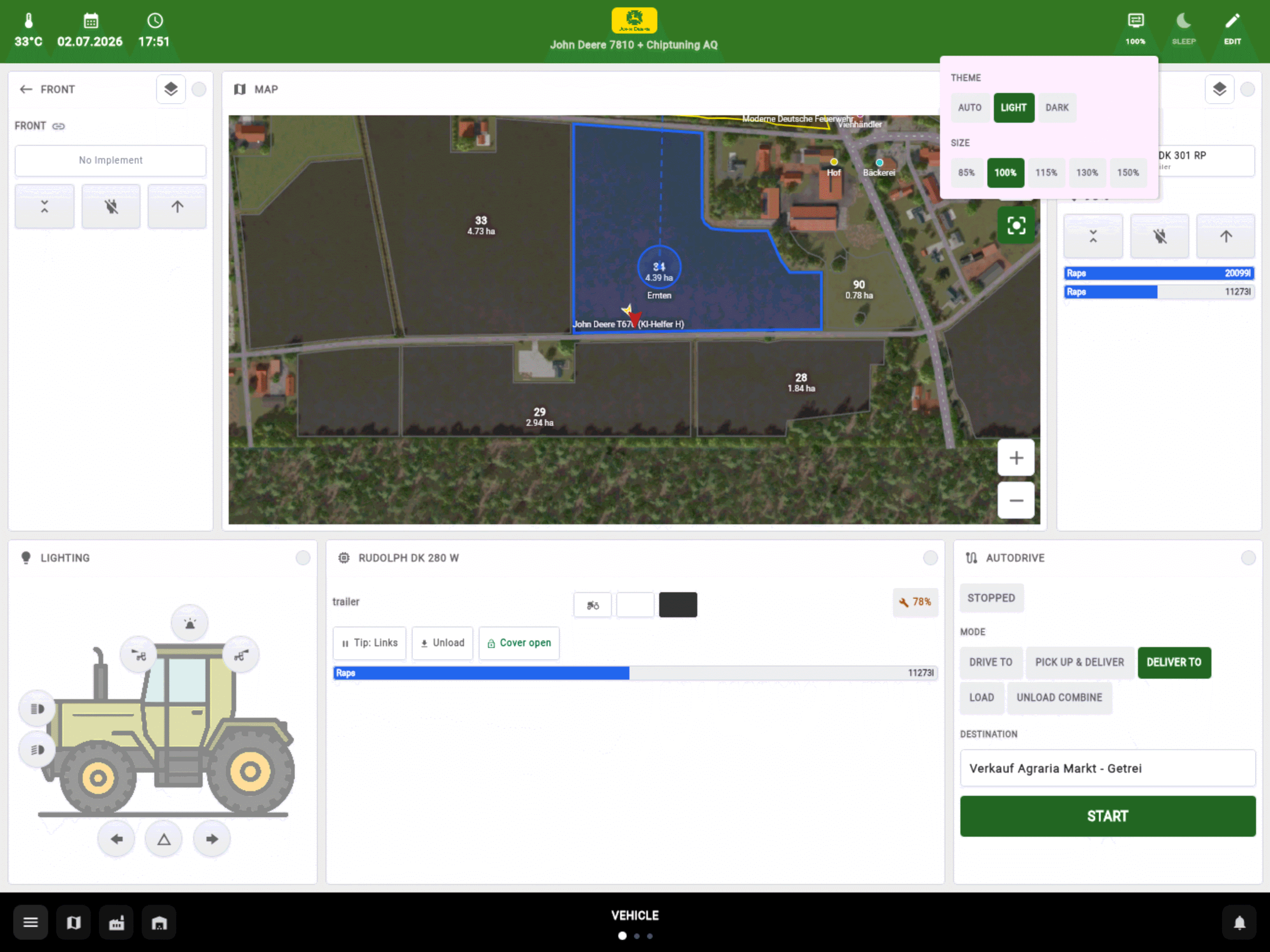
The machine you drive
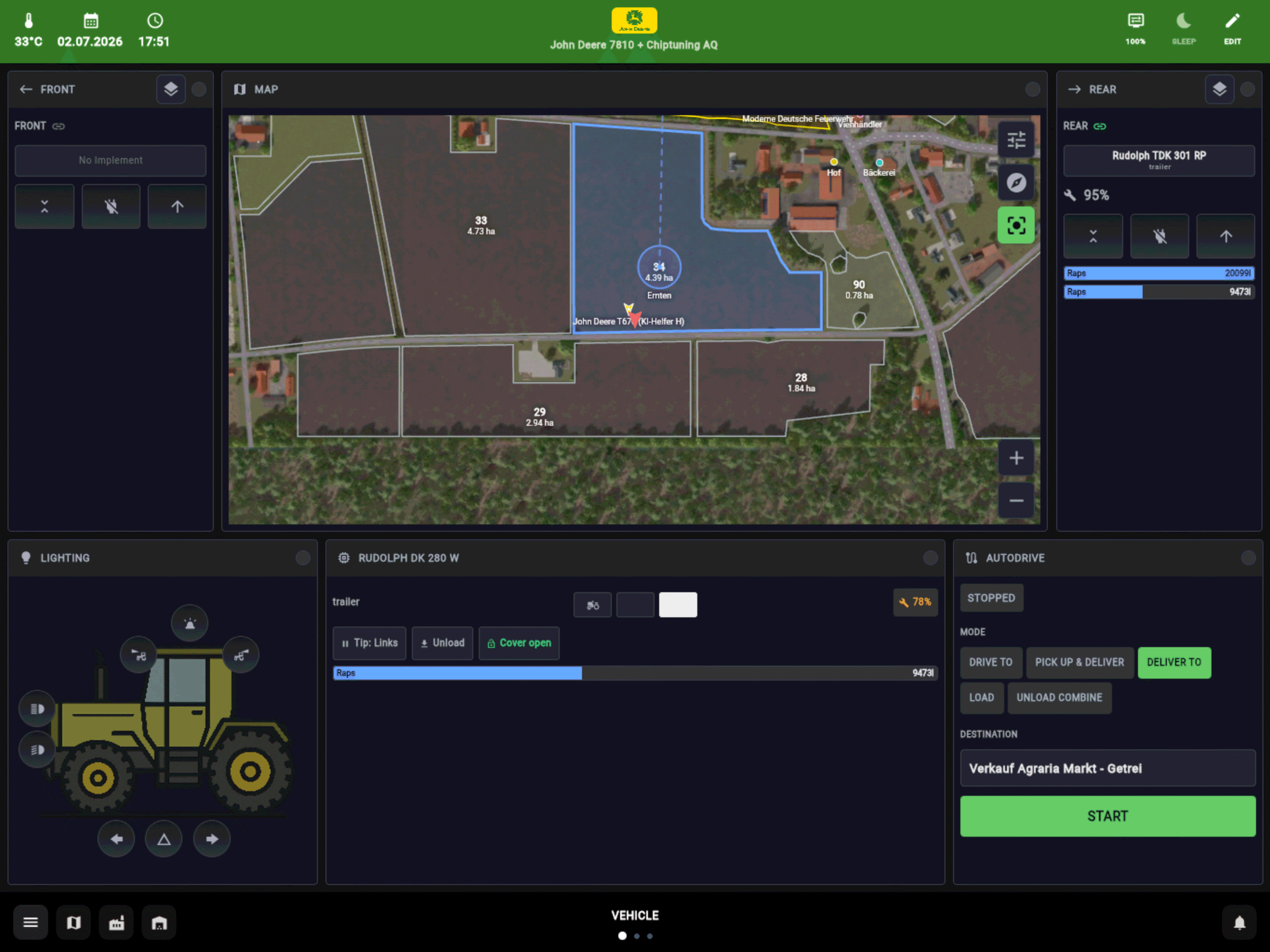
Lights, implements, cruise control, steering assist and AutoDrive at your fingertips, with dedicated screens for sprayers, spreaders, combines, balers, mixer wagons and front loaders.
VDTelemetry exports Farming Simulator 25's live game state, and VDTerminal turns it into a dashboard in any browser - on this PC, or on the tablet or phone next to you. It works both ways: the dashboard also drives the machine and runs the farm.
Free and open source · Windows and Linux · Singleplayer and multiplayer
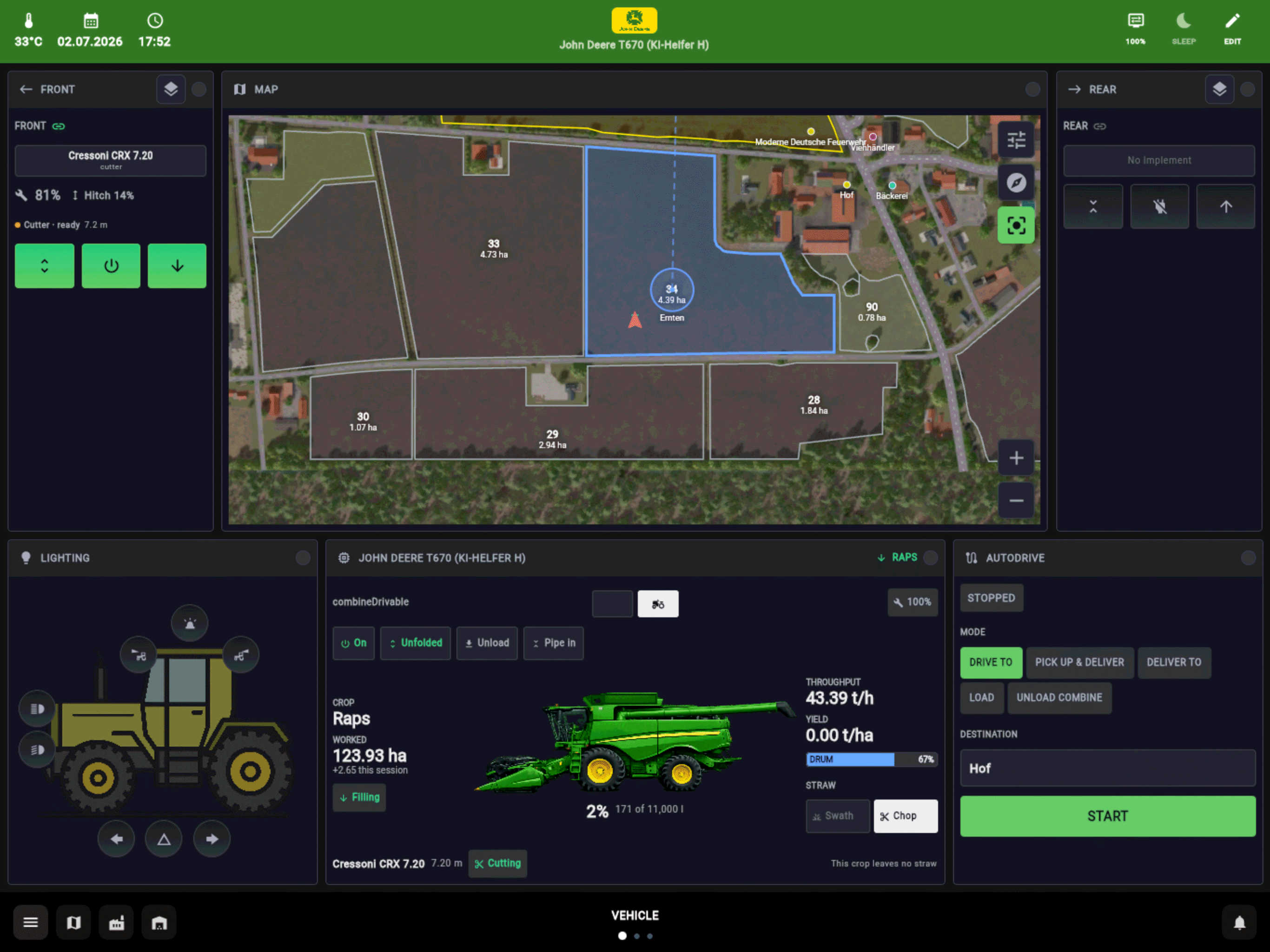
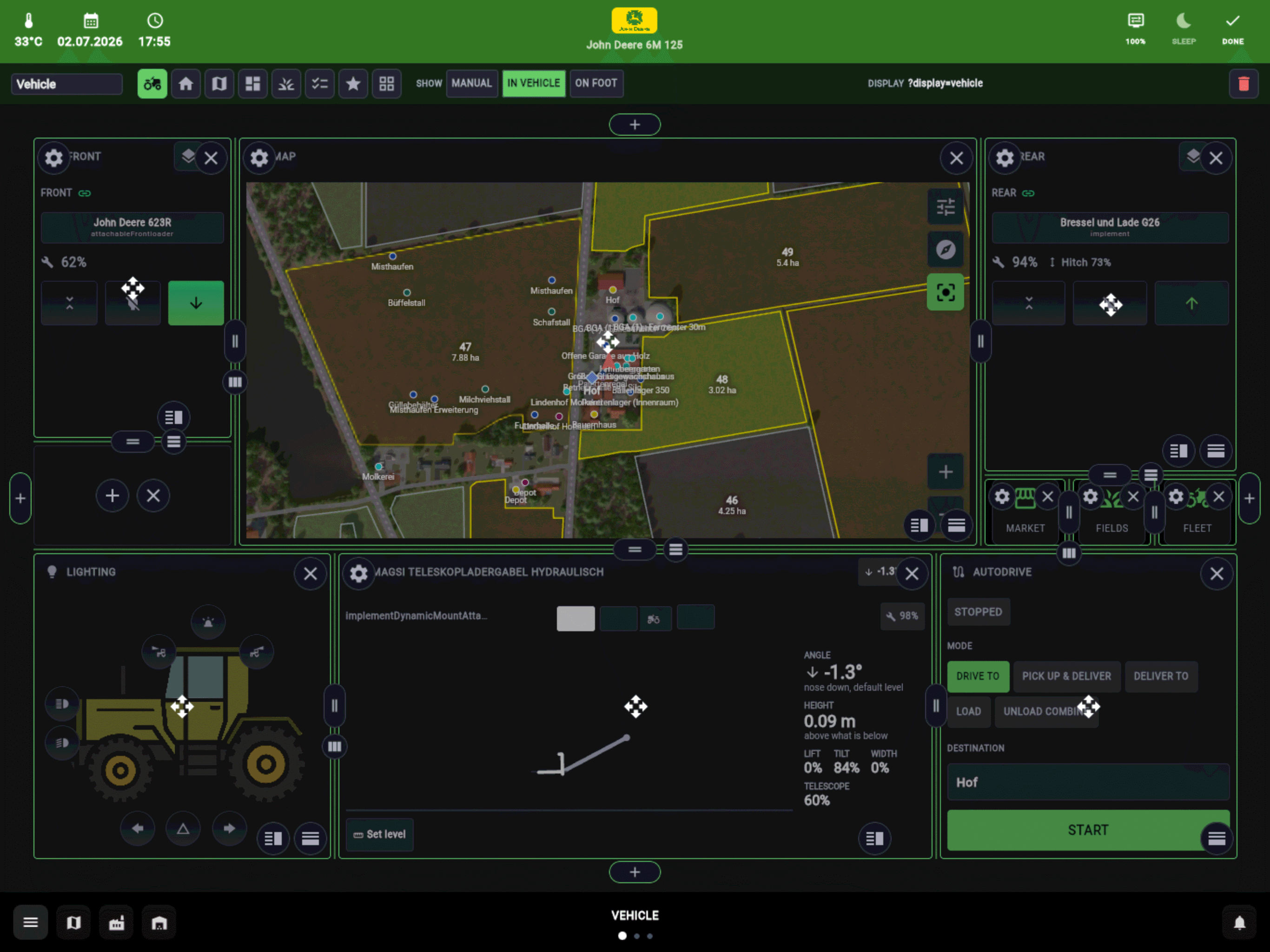
Lights, implements, cruise control, steering assist and AutoDrive at your fingertips, with dedicated screens for sprayers, spreaders, combines, balers, mixer wagons and front loaders.
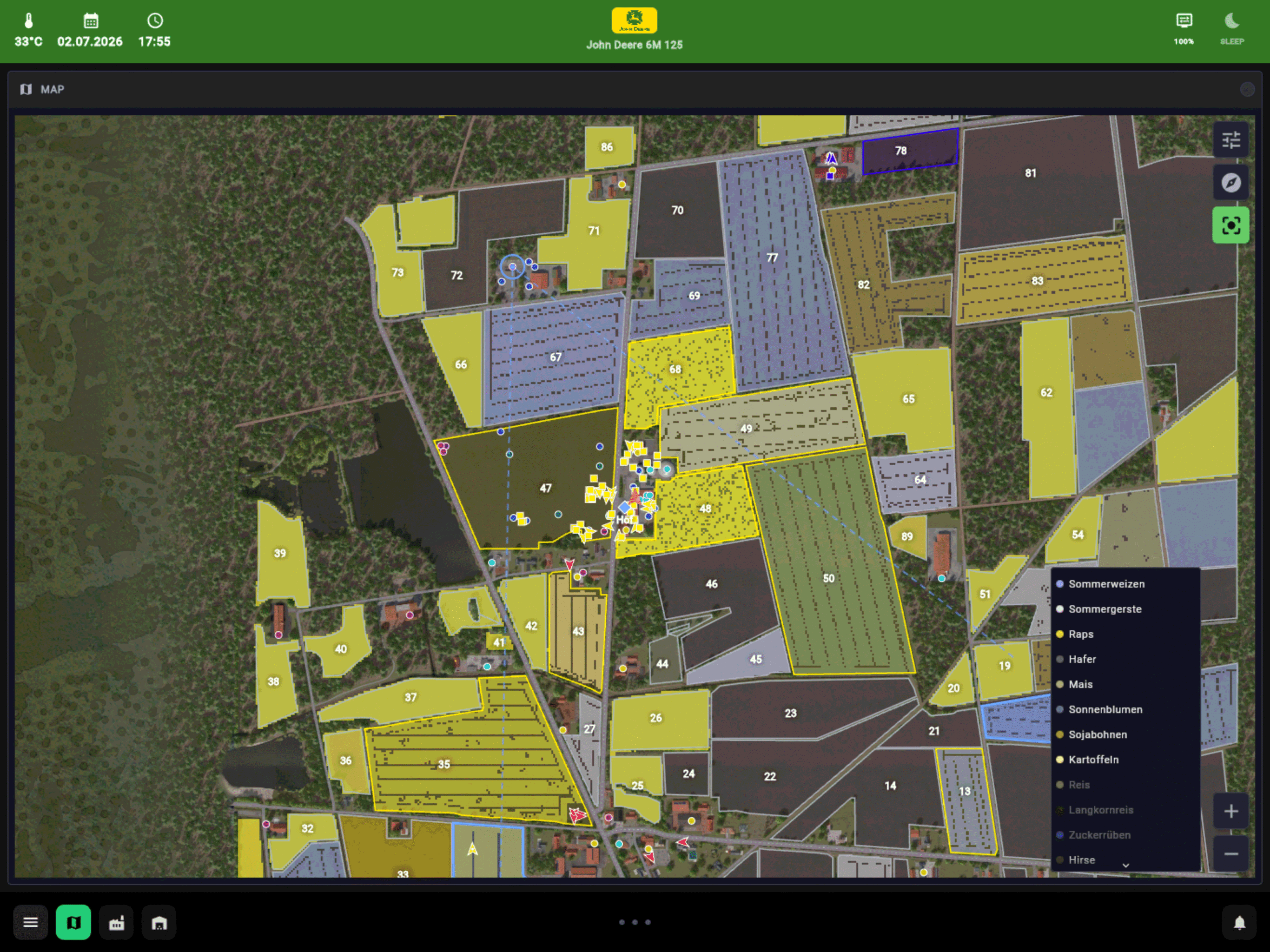
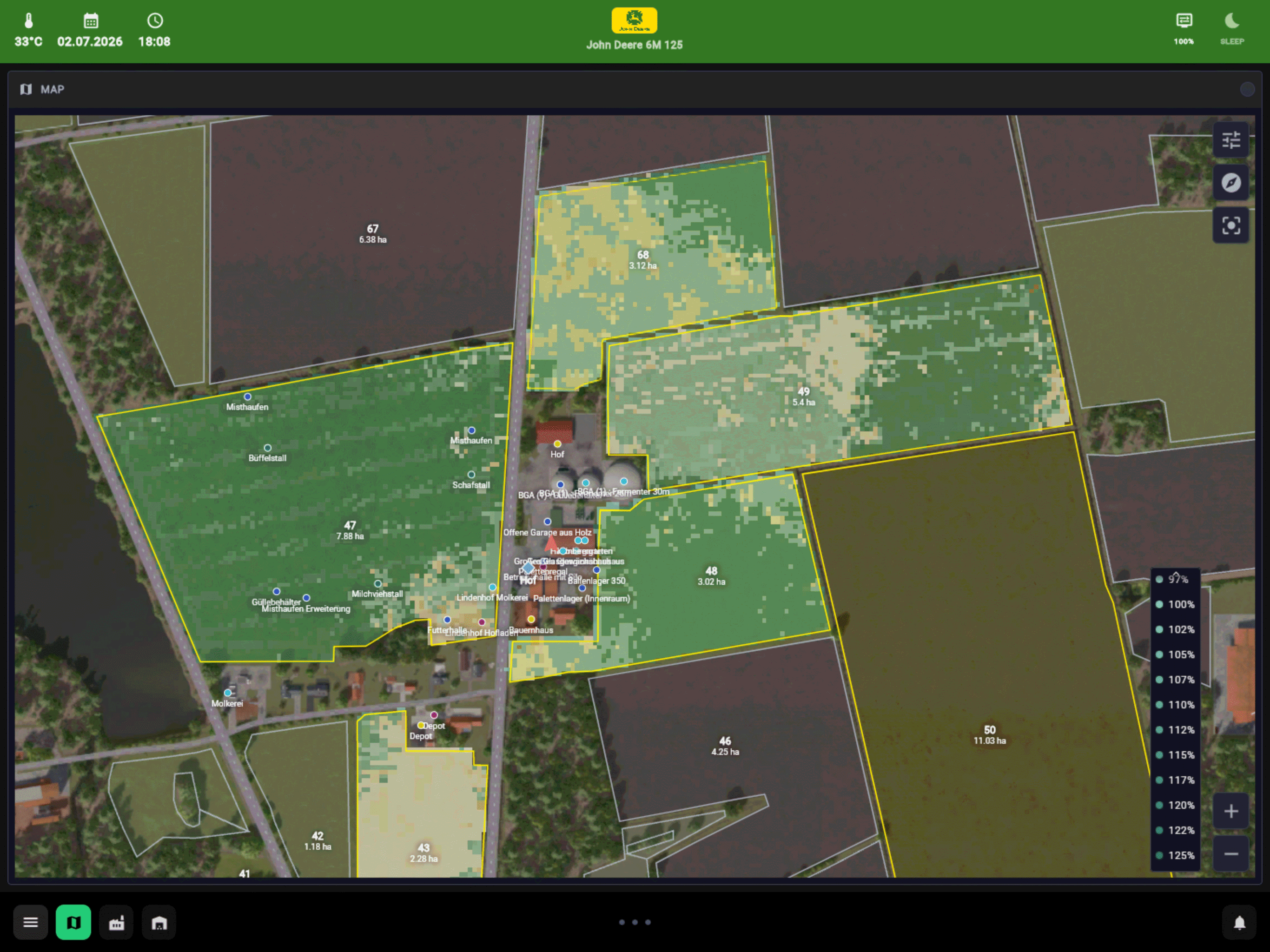
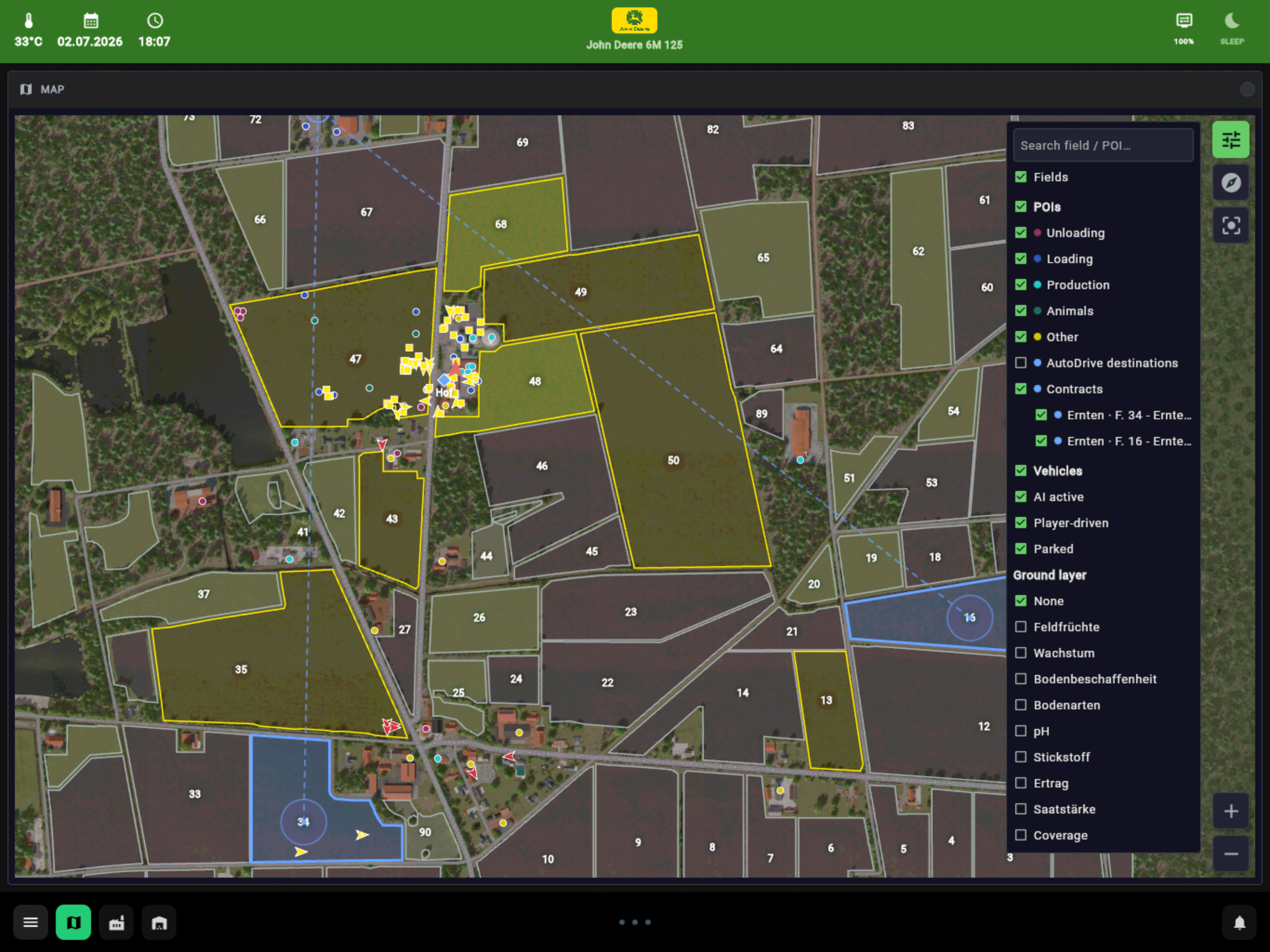
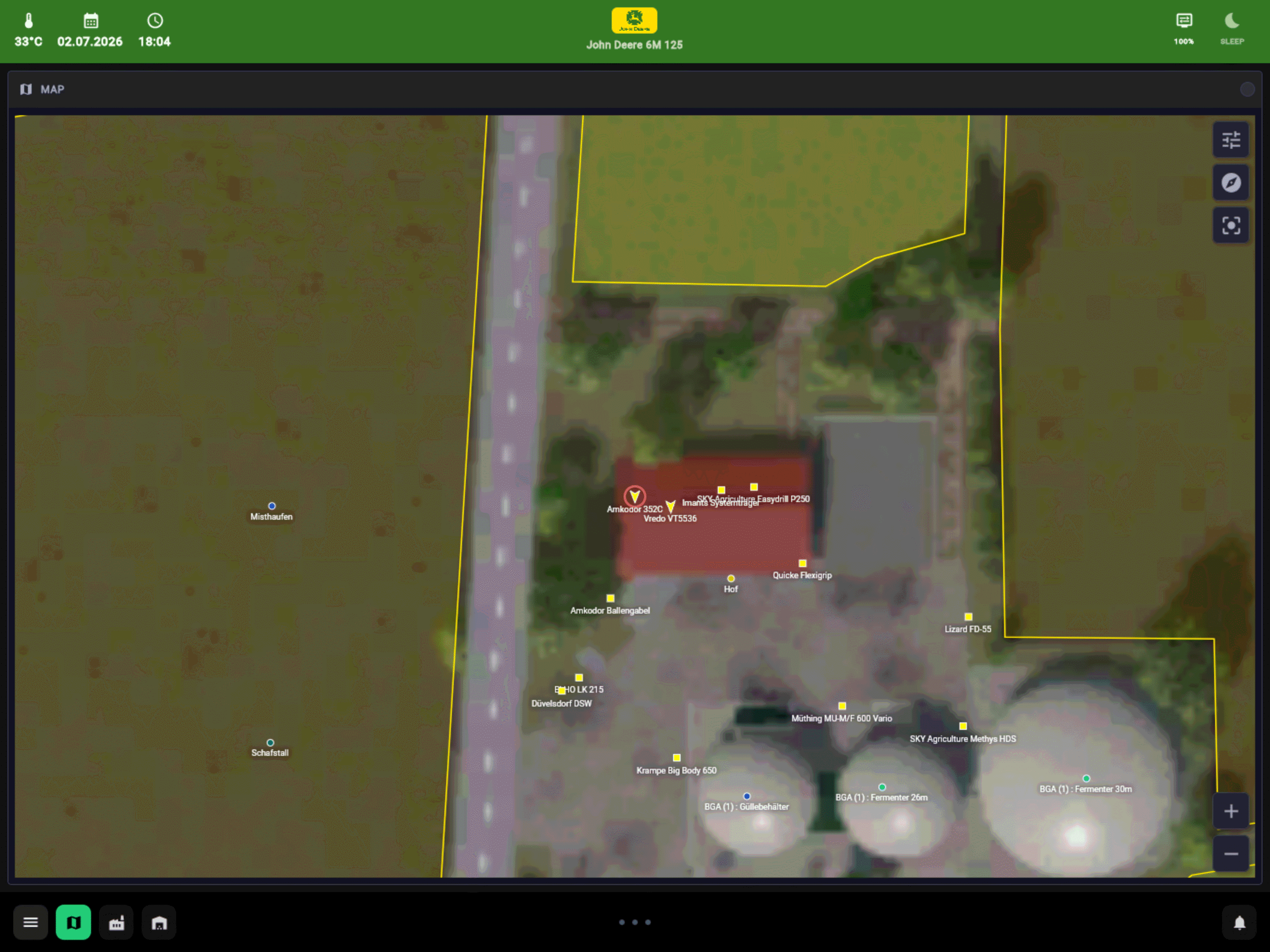
Fields, vehicles and points of interest, with the game's ground layers - crops, growth, soil and Precision Farming's maps - as overlays.
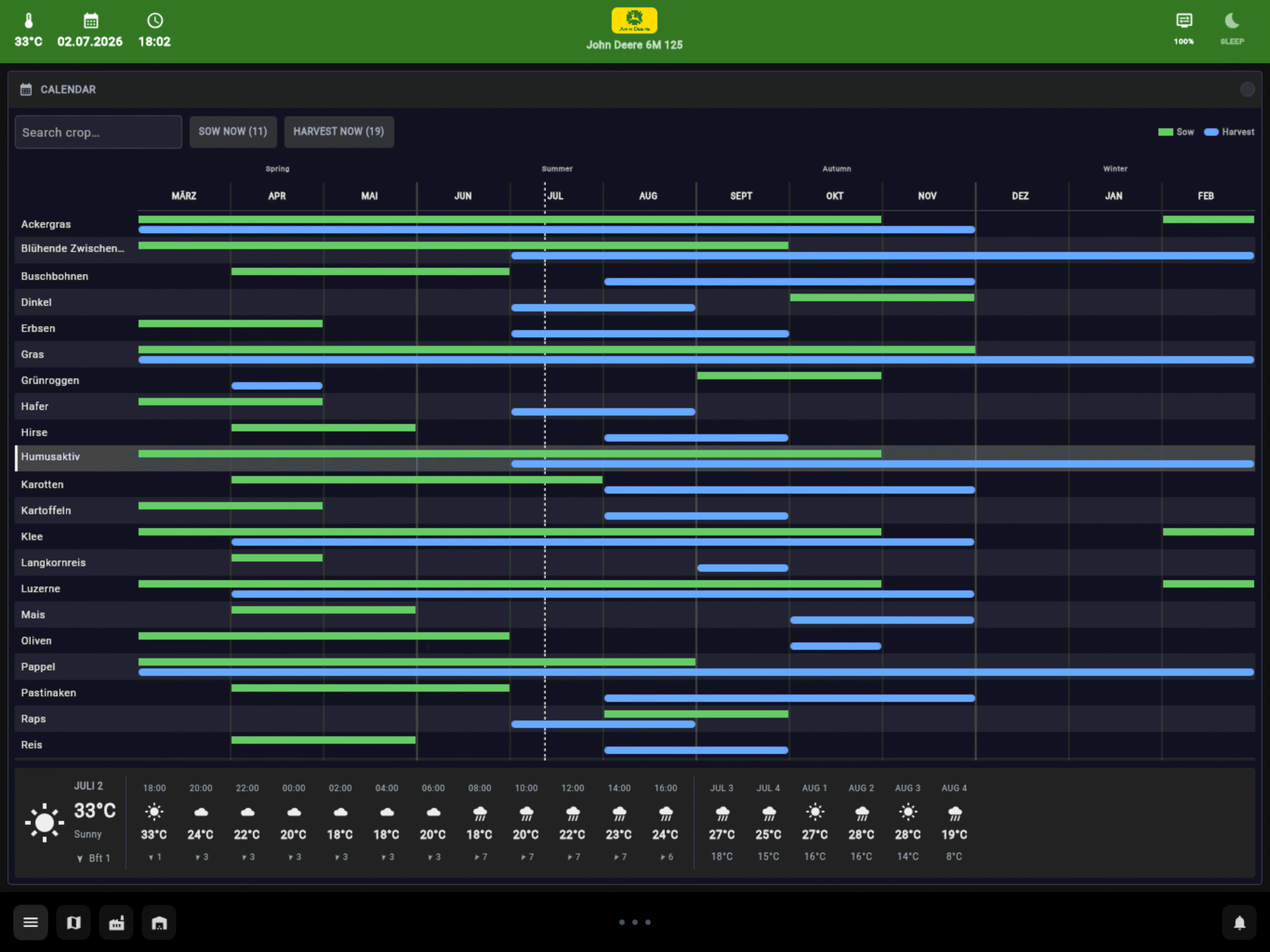
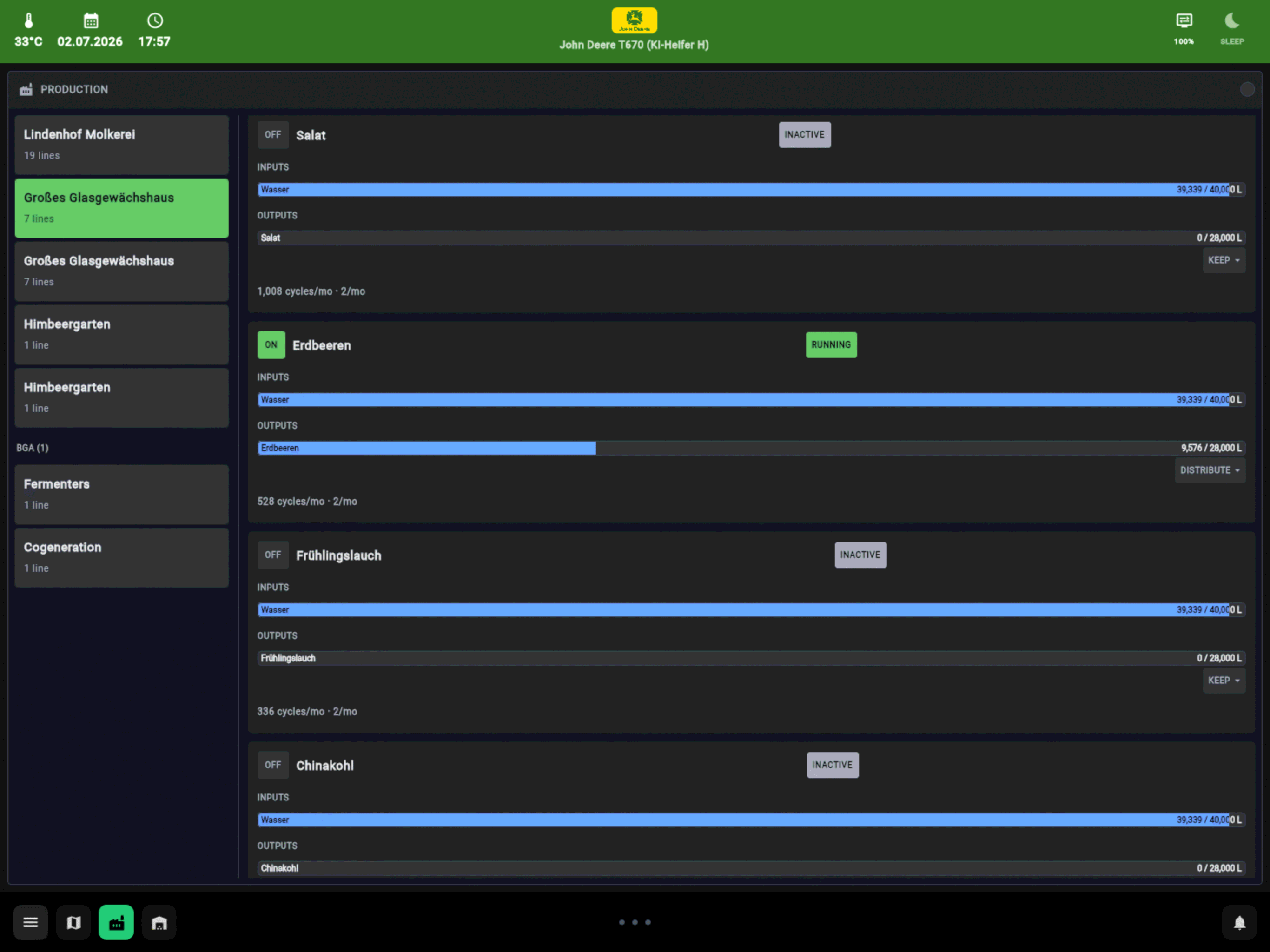
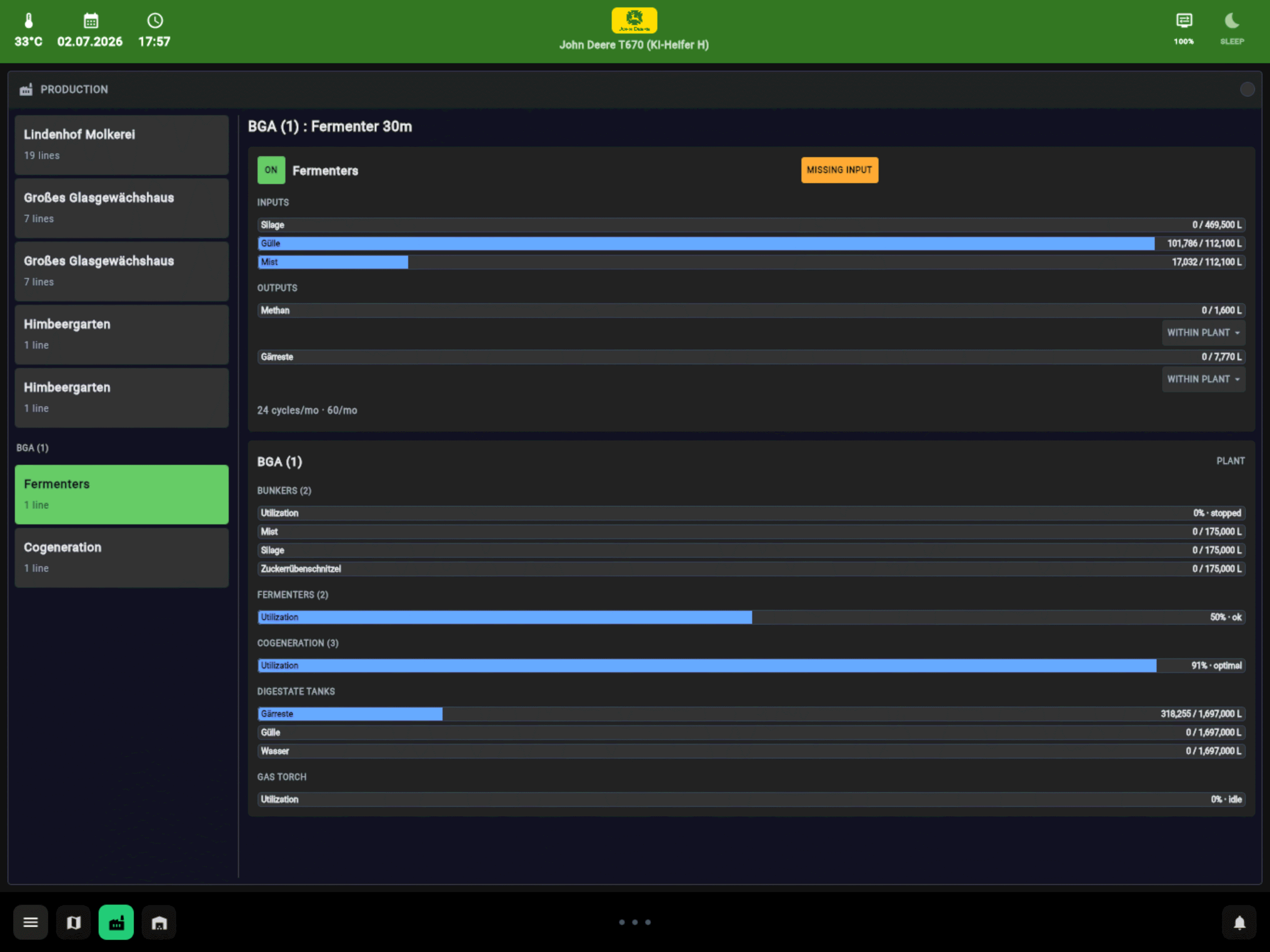
Out of the vehicle, the farm takes over: tasks, crop rotation and the map at a glance.
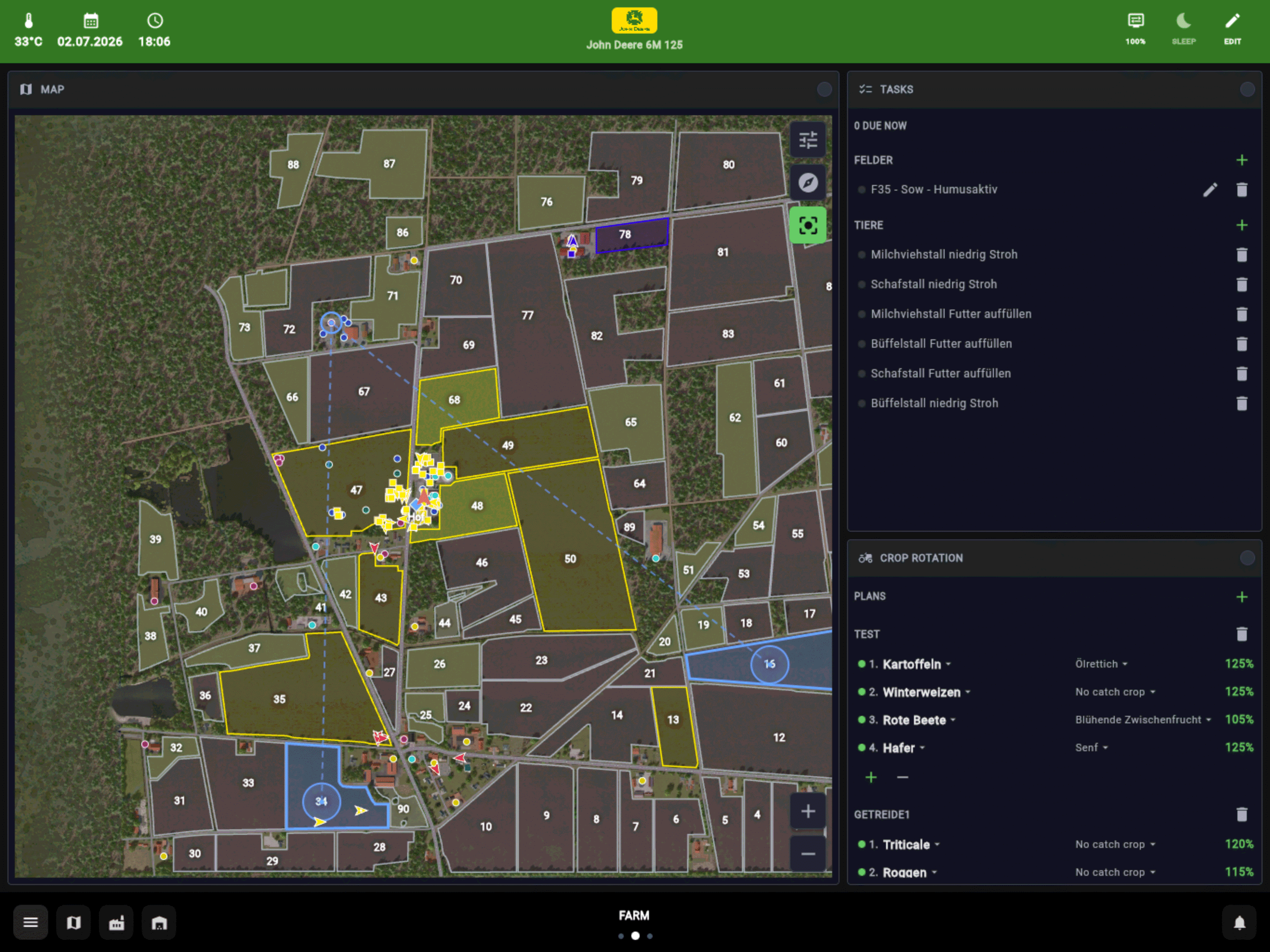
Split a page into tiles and put any widget where you want it - one layout for the tablet in the cab, another for the phone.
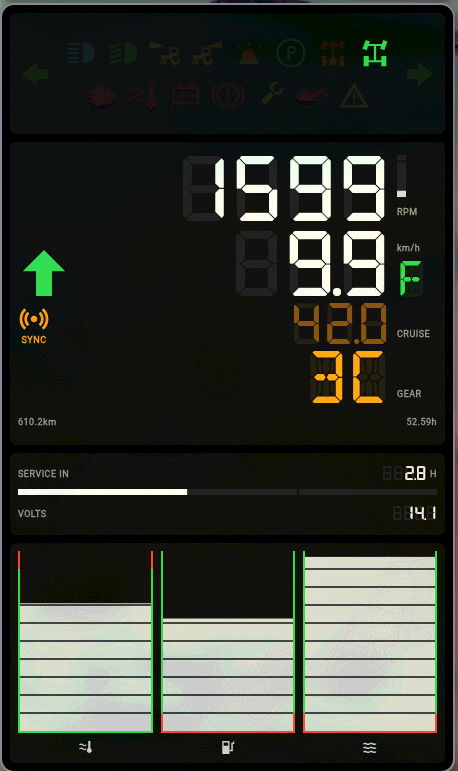
Display mode turns a spare phone into a cluster: rpm, speed, cruise, gear and the warning lamps.
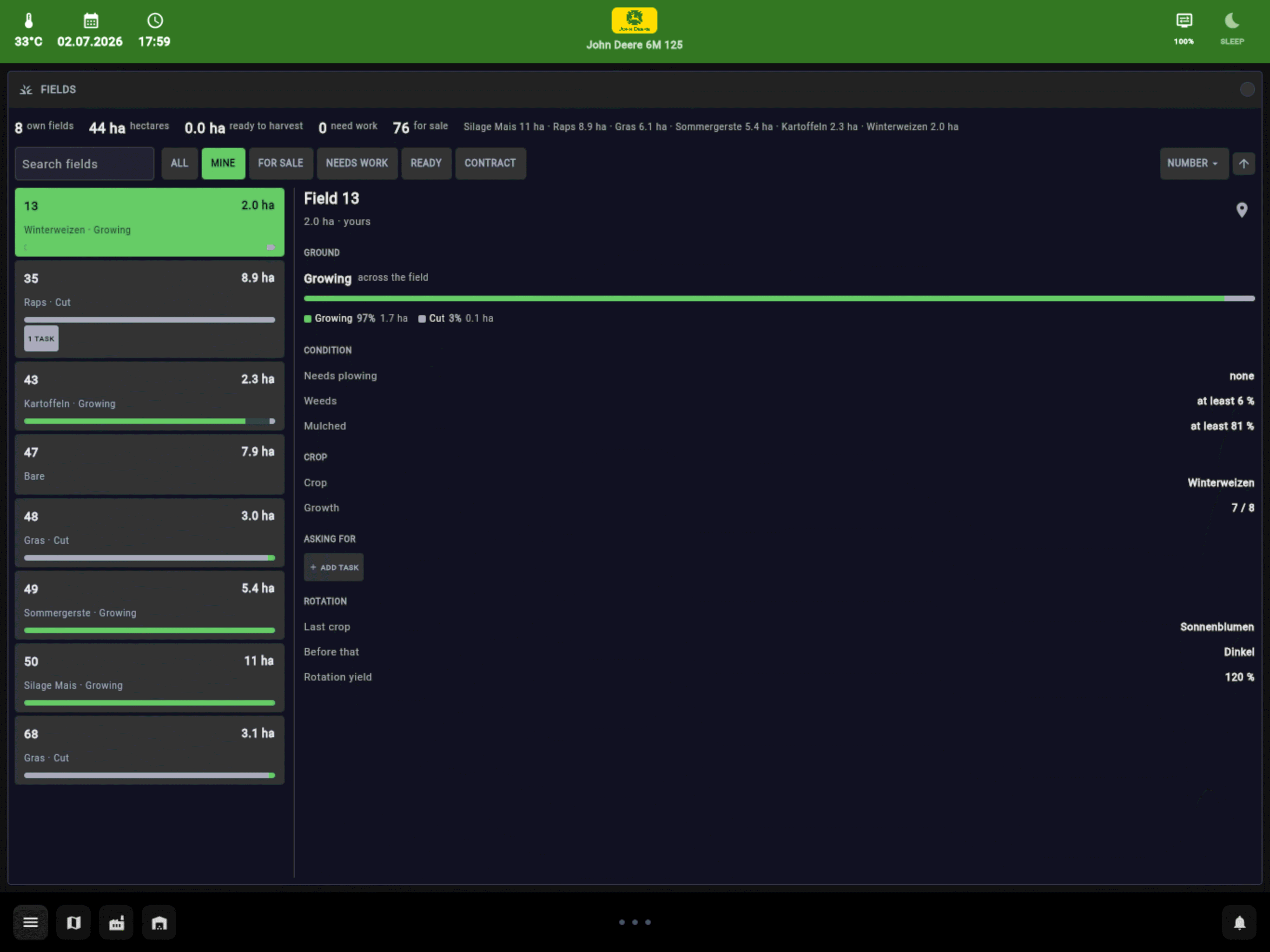
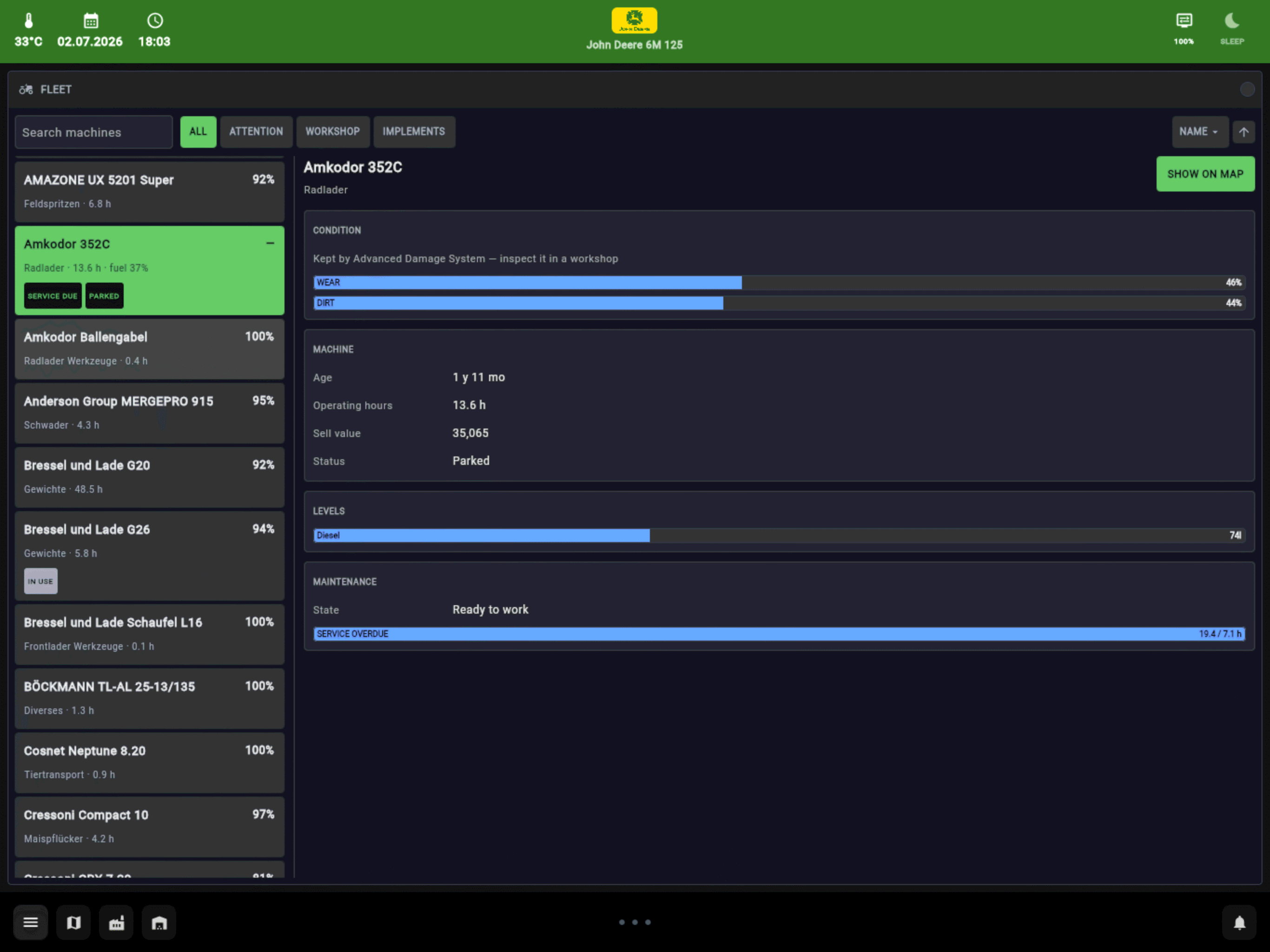
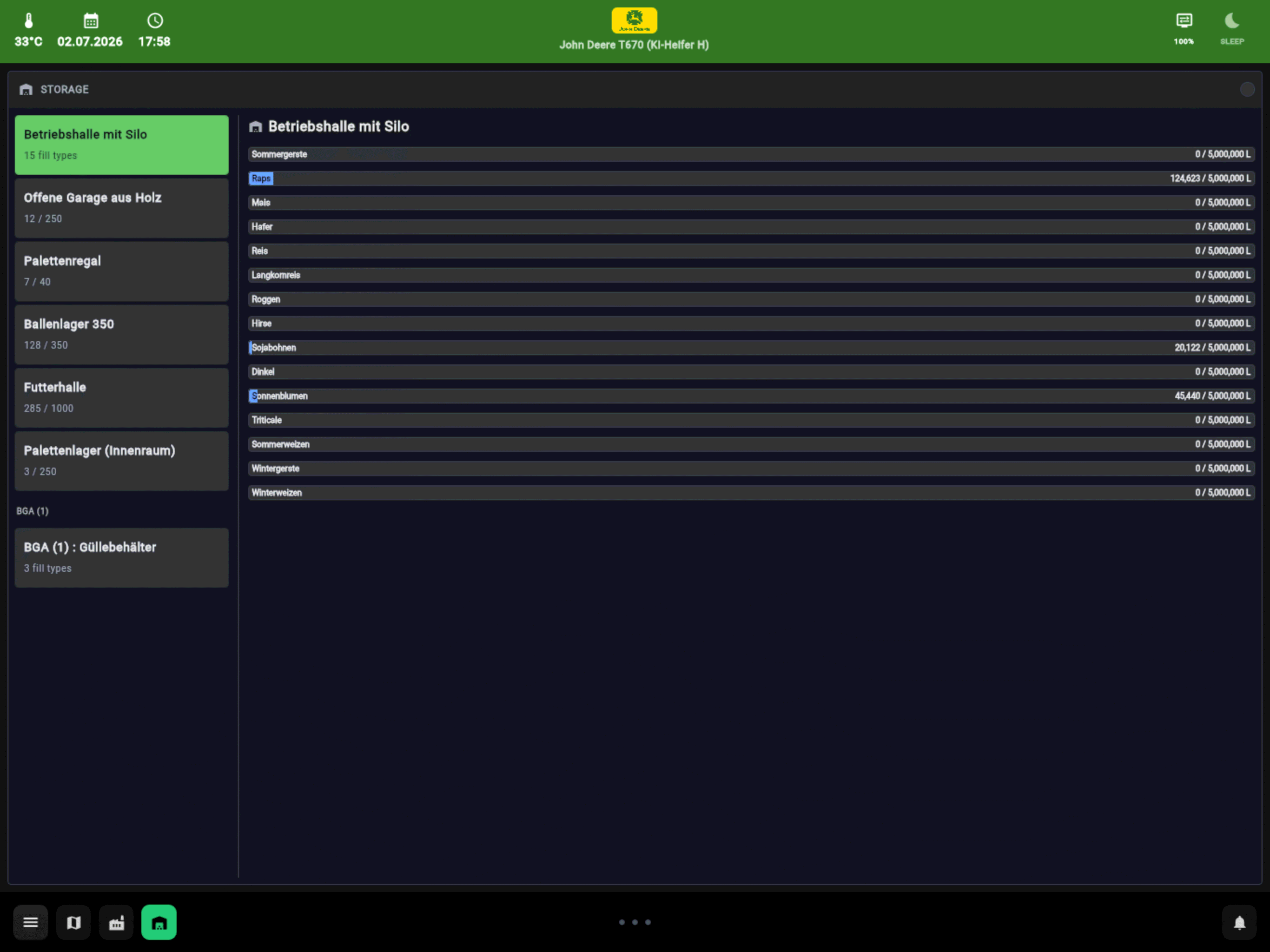
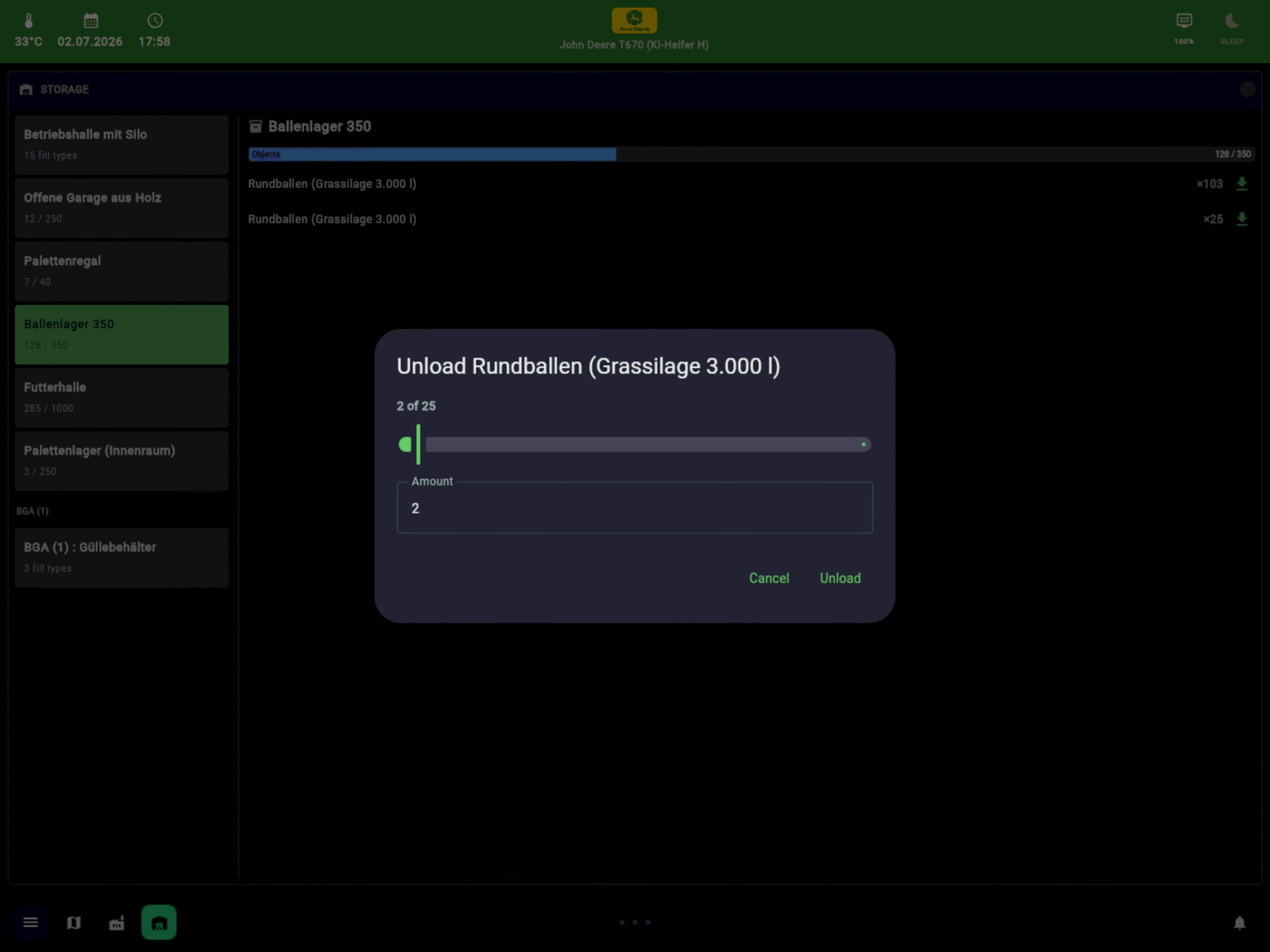
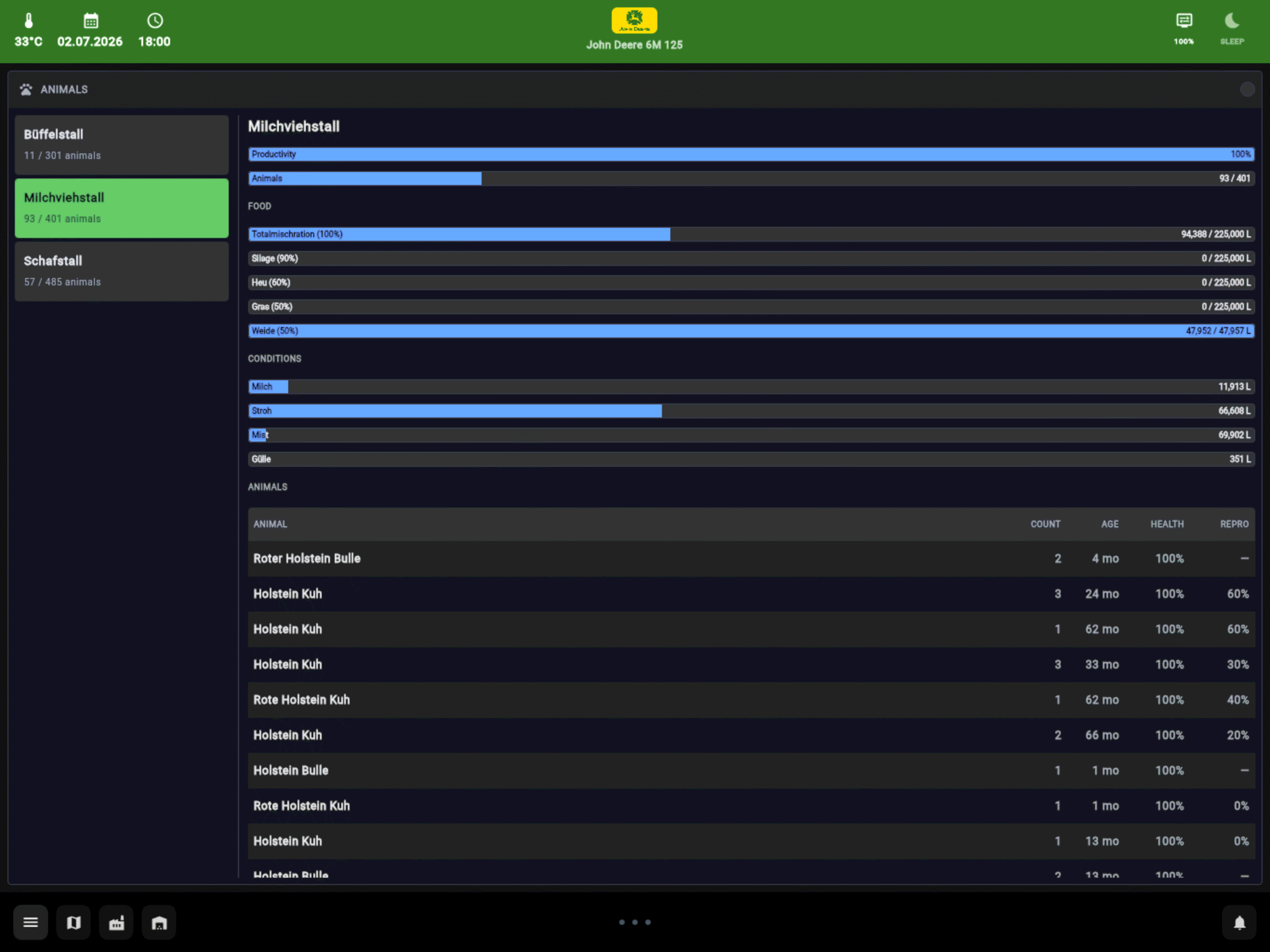
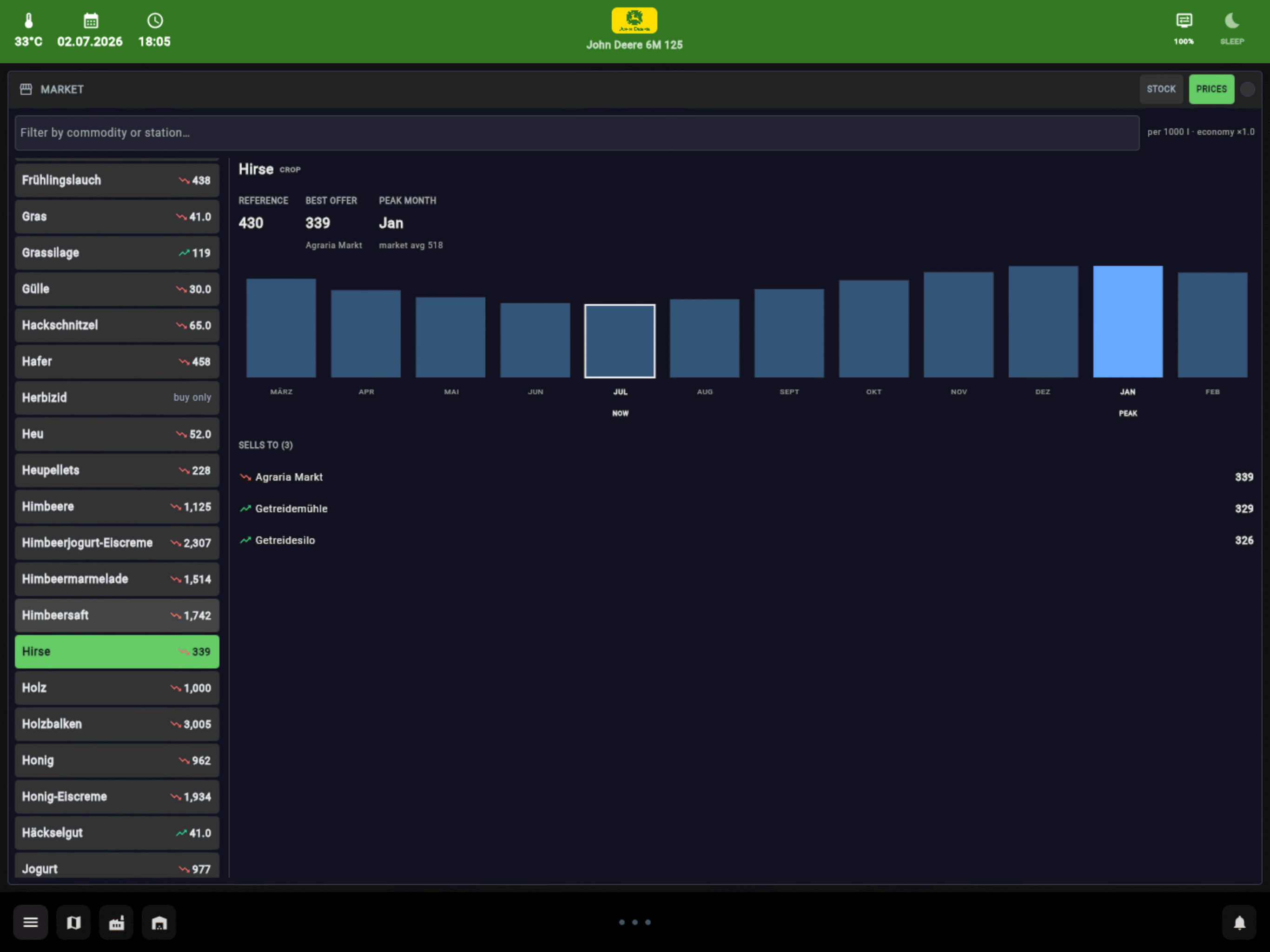
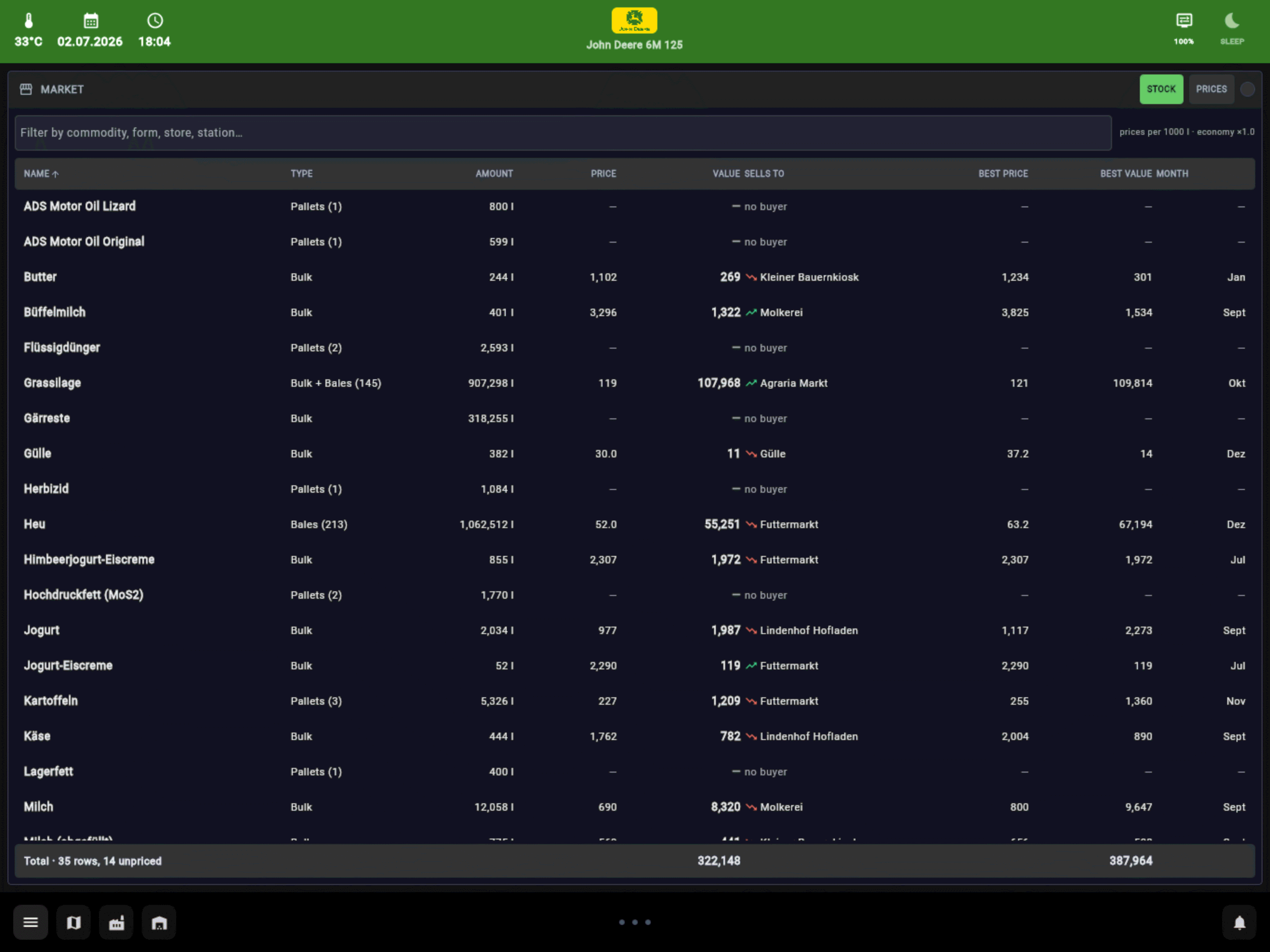
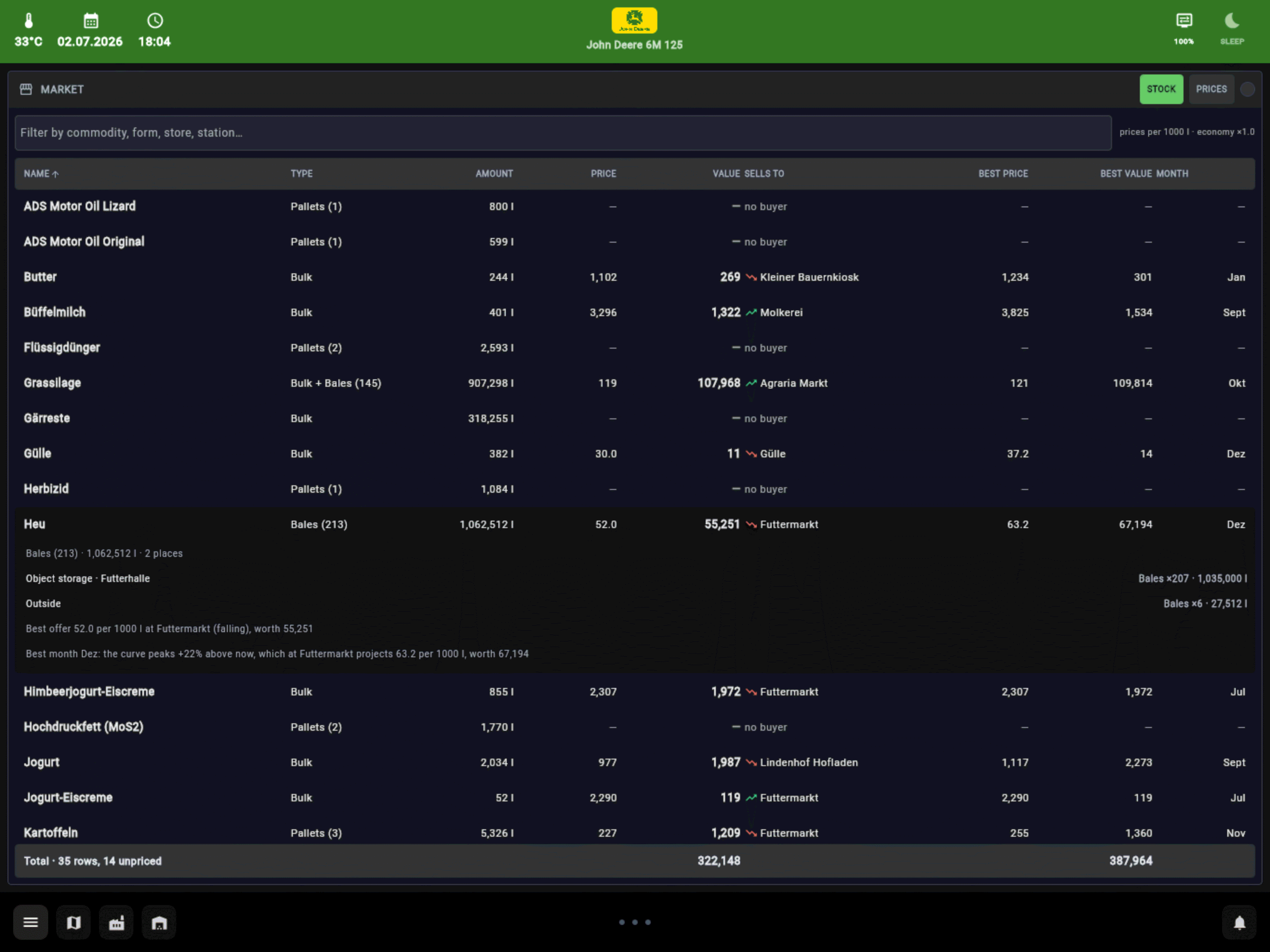
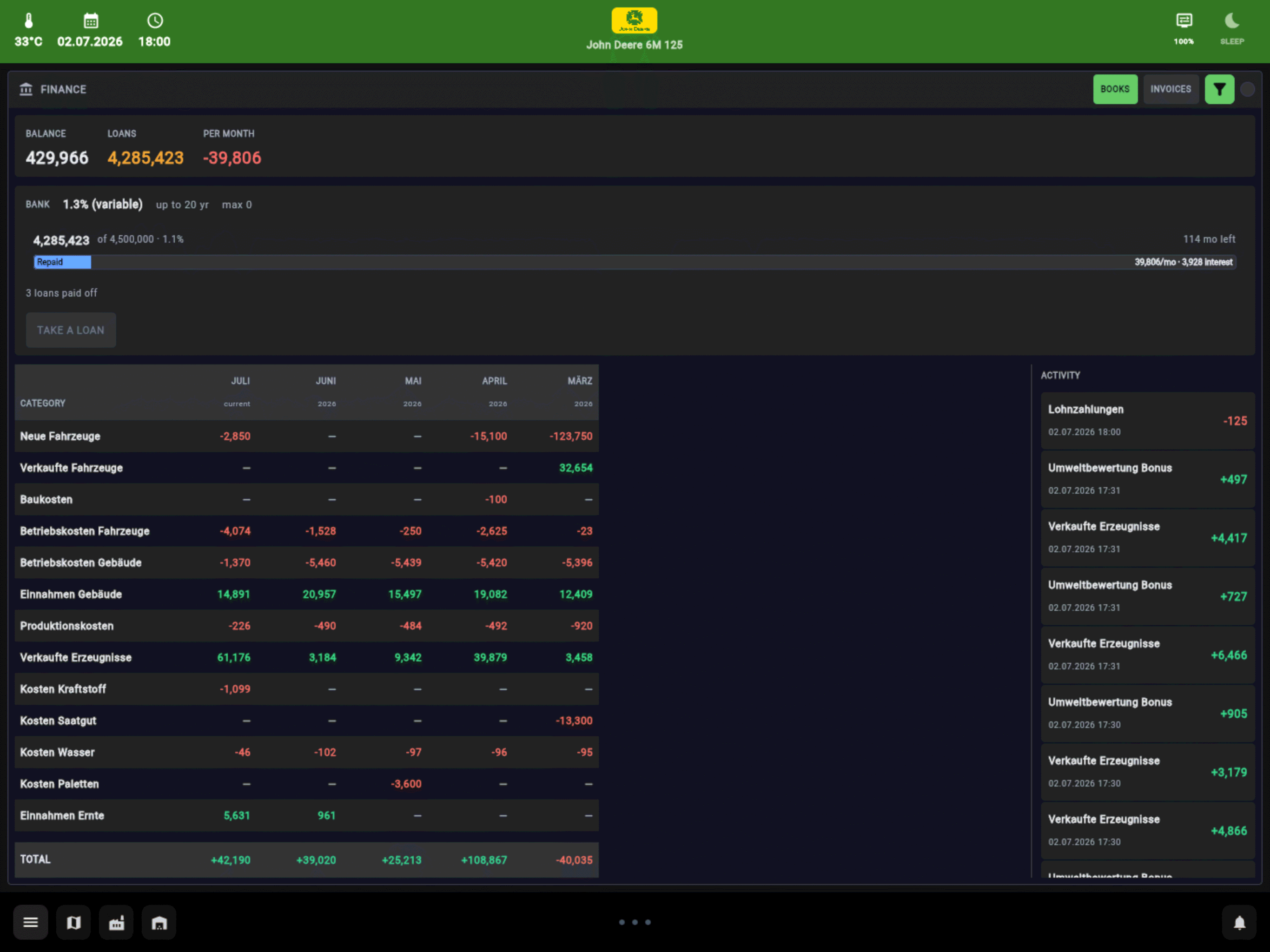
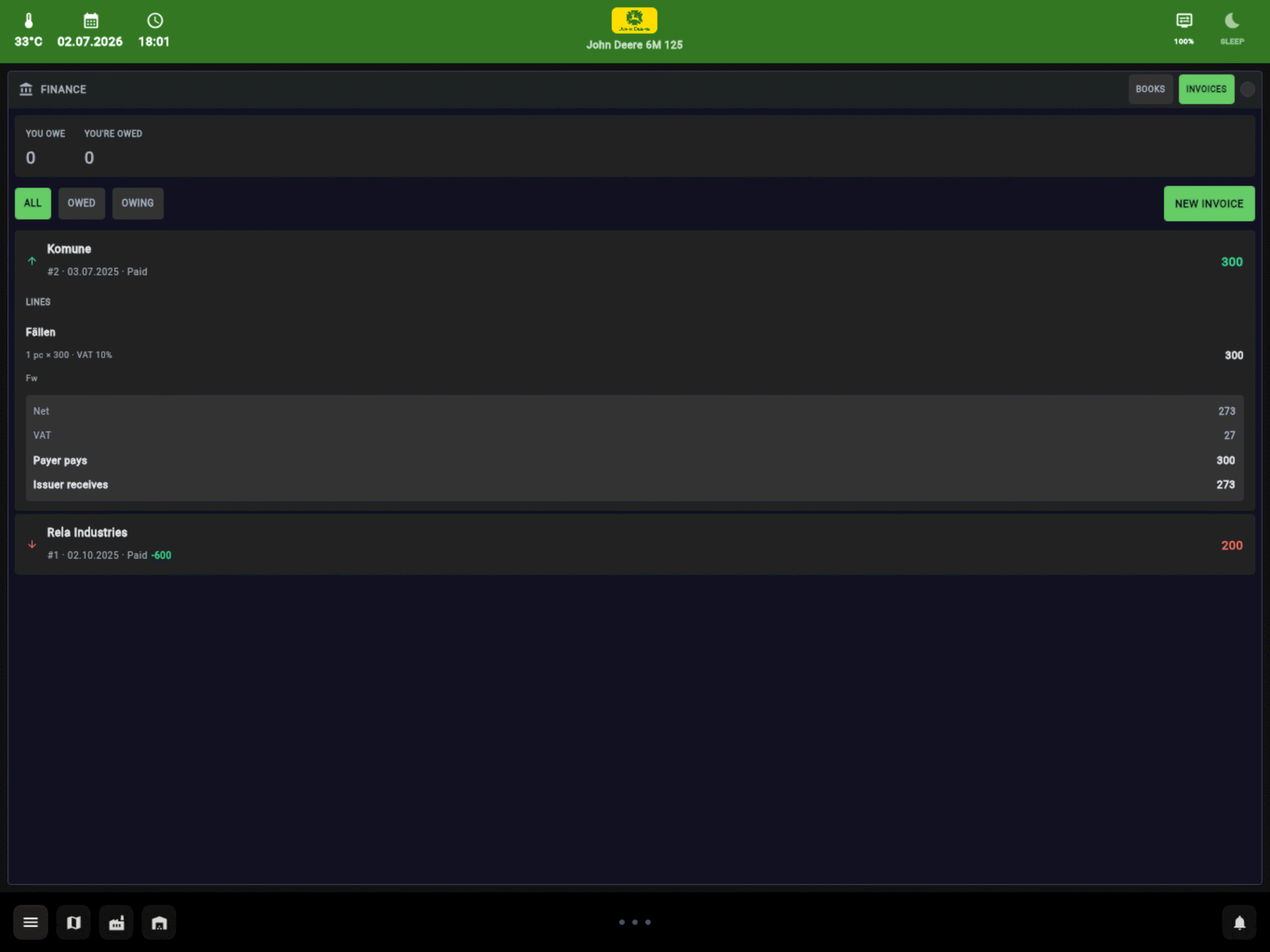
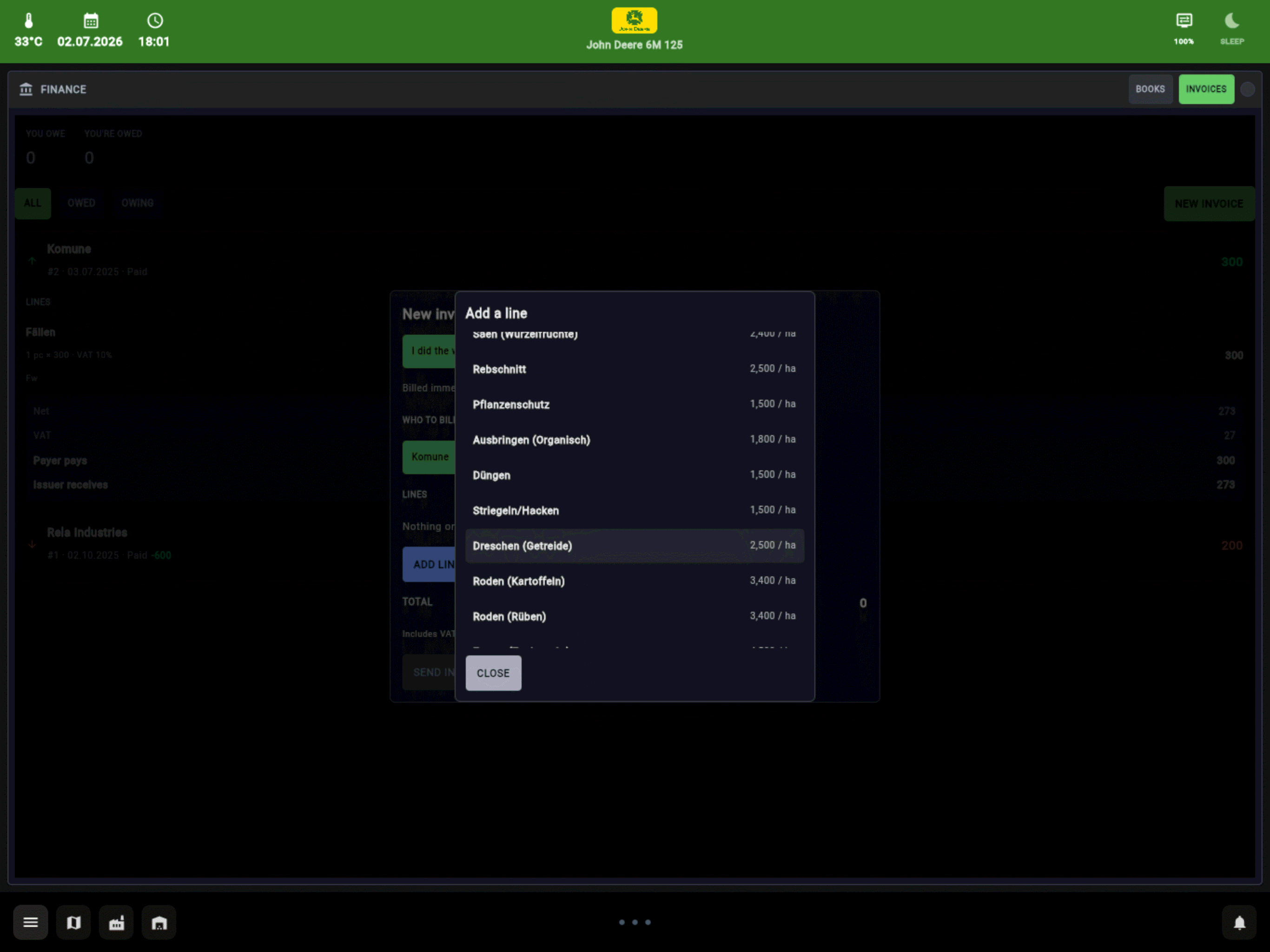
Everything the farm runs on, one tap away. Tap a screenshot for the full size.
Put FS25_vdTelemetry and FS25_additionalInputs (1.2 or newer) into your mods folder and enable both.
Download VDTerminal for Windows or Linux and start it on the PC the game runs on. Nothing to install - Java is included.
Open the address it shows in any browser: on this PC, or on a tablet or phone in the same network.
The setup guide walks through every step, with what to check when something does not show up.
All optional. VDTelemetry picks each one up when it is installed and shows its data where it belongs.
VDTerminal is just one way to use the data. The mod writes everything as plain JSON files to modSettings/FS25_vdTelemetry/telemetry/ and reads commands back from a simple XML file - so your own dashboard, stream overlay, button box or home cockpit can use them too.
The data format is documented in the mod's readme, with real example files for every channel.